Clay Waterfall Enrichment: How to Build One and What It Costs per Contact
Last updated: 14 October 2026
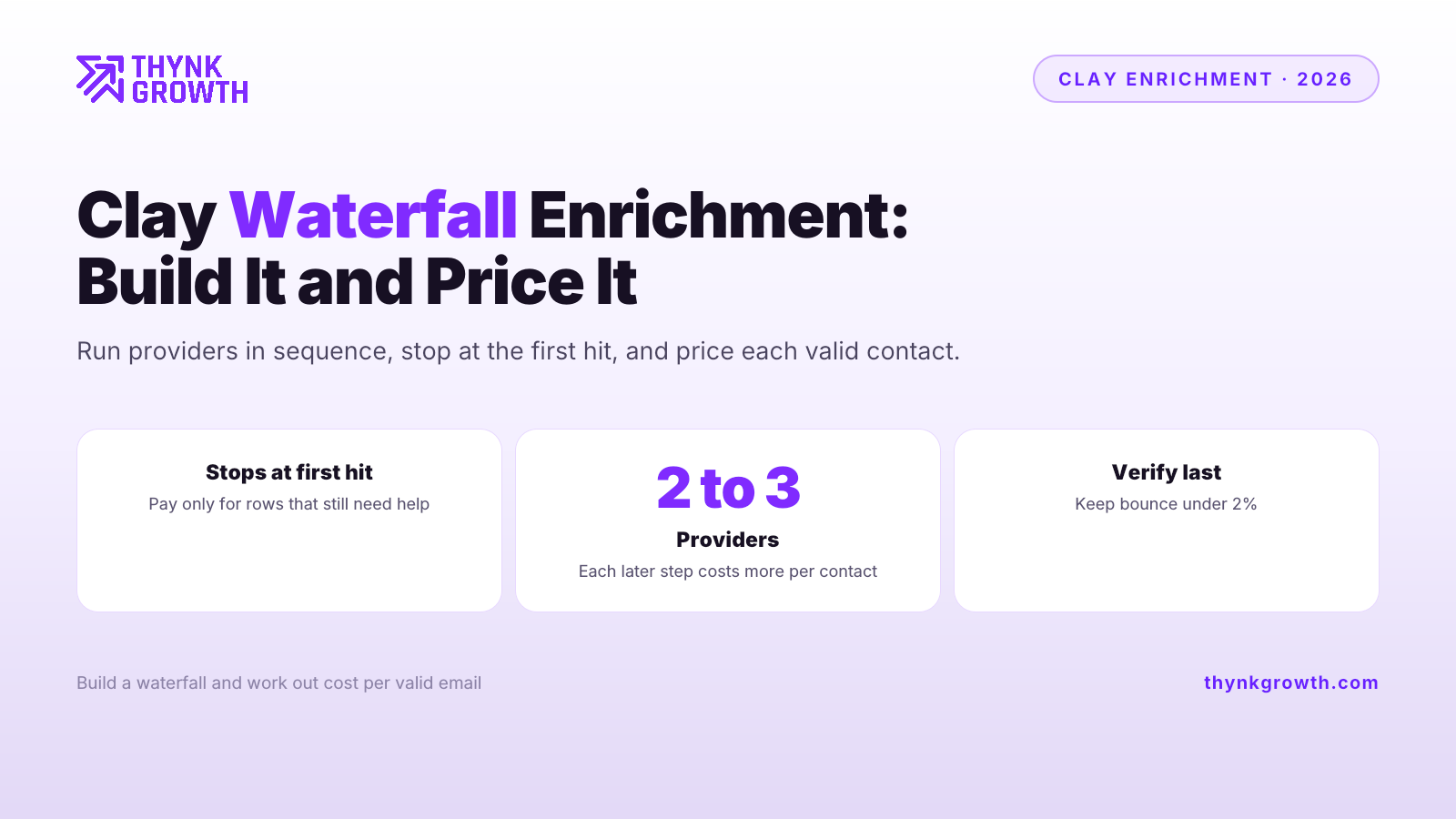
Clay waterfall enrichment runs several data providers in sequence for each contact and stops at the first valid hit, so you get the coverage of many sources while only paying for the rows that still need help. A waterfall is an ordered list of enrichment sources where the next one runs only if the previous one found nothing. It pays off for cold outbound at volume and is usually overkill for small, hand-picked lists.
Faraz Ahmed, founder of ThynkGrowth, built and ran a $6.12M quarterly ABM pipeline engine as the sole Clay operator at an enterprise SaaS company, trained 70 BDRs on AI and Clay, and migrated them onto new sending infrastructure. He holds all four Clay certifications, and ThynkGrowth is a Clay Solutions Partner.
What is Clay waterfall enrichment?
Clay waterfall enrichment runs a list of data providers in sequence for each contact and stops at the first valid result. If provider one finds the email, providers two and three never run. It raises coverage beyond any single source while limiting spend to the rows that still need help.
The billing is the part people miss. Clay charges action credits on top of enrichment credits, so every step meters, and its data marketplace offers 200+ providers under one contract, so you add sources without signing new vendor agreements. That combination is what makes a waterfall cheap to build and easy to overspend on.
How do you build a waterfall in Clay?
Start with a person's name and company domain, stack two or three providers from Clay's marketplace in order of cost, add a verification step, and set each step to run only while the email column is still empty. Test on 100 rows before scaling.
The five-step build
- Clean the inputs. A wrong domain fails every provider, and you pay for each failure.
- Order providers by cost. Put the cheapest credible source first.
- Add a run condition. Each later step runs only if the email field is empty.
- Verify last. Bounce must stay under 2%, and one verification step protects that.
- Pilot 100 rows. Log the hit rate at each step and use your own numbers to price it.
If you want to learn to build and price systems like this yourself, ThynkCrew is our cohort-based GTM engineering coaching programme: 8 weeks, 12 live sessions and 20 seats, building a signal-led outbound system on Clay, with certification on assessment. Crew 01 starts 14 November 2026.
How do you work out cost per valid contact?
Price the waterfall in credits per valid email, not credits spent, because the figure that matters is what each usable contact costs. The method holds whatever Clay's current rates are: count the credits each step spends, count the valid emails it produces, and divide. Each added provider recovers fewer contacts than the last, so cost per valid email rises step by step.
The funnel below uses illustrative hit rates, so swap in your own pilot data. Say a three-provider waterfall runs on 1,000 contacts, and the hit rates on the rows that reach each step are 55%, 40% and 30%.
| Step | Rows that reach it | Hit rate | New valid contacts |
|---|---|---|---|
| Provider A | 1,000 | 55% | 550 |
| Provider B | 450 | 40% | 180 |
| Provider C | 270 | 30% | 81 |
| Found before verification | 811 of 1,000 |
The funnel shows why cost per valid email climbs. Provider A works on all 1,000 rows and finds 550. Provider B only sees the 450 rows A missed and finds 180. Provider C sees 270 and finds 81. Every later provider runs on fewer rows yet still charges per row it touches, so the credits it spends per new valid contact rise. That is the real reason to stop at two or three providers: not that extra sources fail, but that each one costs more per contact than the last. Getting this trade-off right before you scale is one of the things we drill in ThynkCrew.
How does Bitscale's unlimited-actions model change the maths?
Bitscale charges a flat $349 for 15,000 credits with unlimited actions, so only the data is metered, not each workflow step. On Clay, a longer waterfall adds an action credit per row at every step. On Bitscale, adding steps is free, and you only spend on the data pulled. For a short waterfall the difference is small; for a long one at volume, the unlimited-actions model is usually cheaper. Bitscale states 90%+ email coverage with bounce under 0.5%, a vendor figure worth testing on your own list. Our Clay vs Bitscale comparison covers the rest, and Clay alternatives for 2026 lists other options.
How many providers should a waterfall have?
Two to three providers is the practical range. Because each later provider runs on fewer rows and finds fewer contacts, its cost per valid email is higher than the step before, so a fourth or fifth source rarely pays. Stop when the next step would cost more than a valid contact is worth to you. If you would rather not tune this yourself, our done-for-you outbound service handles the data layer, sending infrastructure and campaigns.
When is one provider enough?
One provider is enough when your list is small, hand-picked or high-intent, when the first source already finds most contacts, or when you can fill gaps manually. Below a few hundred rows, the setup time of a waterfall often outweighs the contacts it recovers. A strong single source such as Prospeo or FullEnrich can be the whole workflow. Compare finders in our best email finder tools for 2026 before adding steps.
Does a Clay waterfall stop charging once it finds an email?
Later steps do not run once a hit lands, so they add no cost for that row. Earlier steps have already metered, so order your providers cheapest first to keep the bill down.
What bounce rate should a waterfall target?
Keep bounce under 2% and add a verification step after the last provider. Verifying before you send protects your sending domains and your deliverability.
How many providers should a waterfall have?
Usually two to three. Each later provider runs on fewer rows and costs more per valid contact, so extra sources rarely pay. Pilot a sample and stop when the next step is not worth it.
Should I enrich every row or only qualified accounts?
Filter first. Dropping rows that do not fit your ICP before enrichment is the cheapest way to cut your credit bill, because you never pay to enrich a contact you would not message.
Want this running for your pipeline?
Book a free strategy call. We map your outbound plan whether you work with us or not.
Book a free strategy call